

In the world of interior design, trends are ever-evolving, but the emphasis on ergonomic workspaces remains constant. Creating a comfortable and productive environment is particularly important for those dealing with frequent eye strain, headaches, and back pain. Small adjustments to your workstation can make it not just functional, but also a sanctuary of efficiency.
Residents at Grant Park know how essential it is to feel at ease, especially when working from home. Therefore, whether you're seeking homes for rent in Columbus or already living in this vibrant area, these workspace tips are invaluable for improving both comfort and productivity.
Choosing the Right Chair
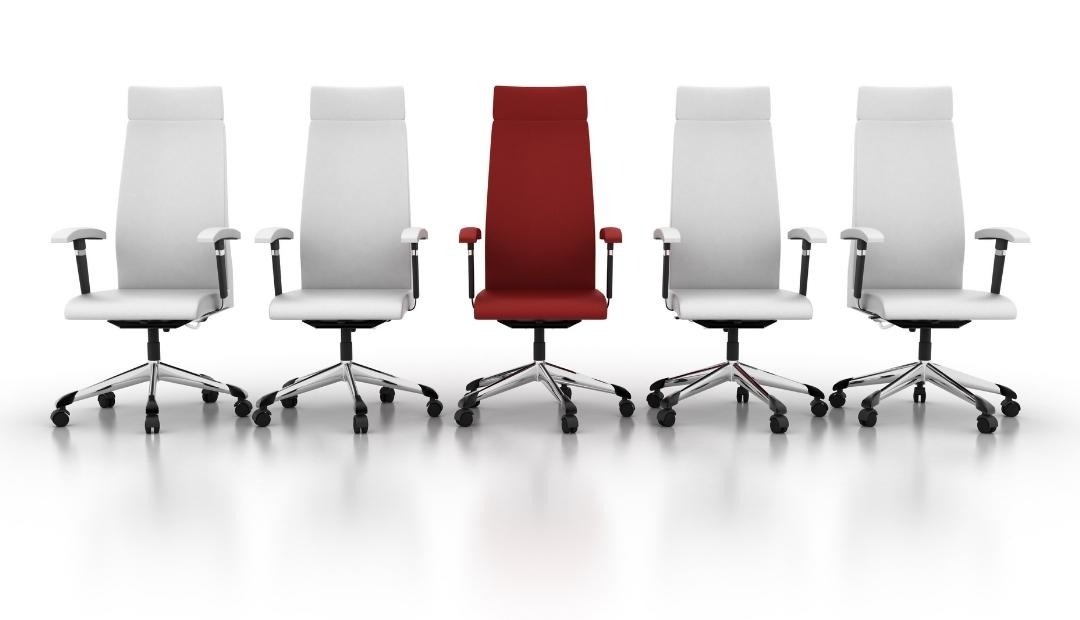
The foundation of an ergonomic workspace begins with a chair designed to combat back and hip strain. Look for one with a hydraulic shaft or gas cylinder to accommodate your ideal seated height. When seated, your feet should rest flat on the floor, with your knees slightly lower than or level with your hips.
Investing in a chair with lumbar support and armrests can significantly improve your comfort. Lumbar support helps maintain your spine's natural alignment, easing upper limb tension and relieving lower back stress.
Desk Dynamics
An ideal desk does more than just hold your computer and work gear; it should offer ample space for your knees, thighs, and legs. Beyond height, the desk should be adjustable, allowing you to shift from sitting to standing positions. This versatility is crucial in keeping bodily aches away while promoting better posture.
Perfecting the Monitor Position
Your monitor setup plays a pivotal role in your workstation's ergonomic design. Ensure the screen is at arm's length and positioned comfortably at eye level, preventing unnecessary neck and back strain. When your desk doesn't naturally support this setup, adding a monitor riser can achieve the desired height.
Optimizing Keyboard and Mouse Placement
A key element in comfort is your typing posture. Your forearms should parallel the floor, with elbows bent between 90 to 110 degrees. Make sure your arms are comfortably close to your sides and your shoulders relaxed to avoid tension.
Lighting Your Space Properly
Lighting often gets overlooked in ergonomic discussions, yet it's vital for a functional workspace. Relying solely on your screen for light can lead to eye strain. Instead, match your room’s lighting to your screen’s brightness and harness natural light by opening windows. Not only will this illuminate your space, but it will also boost your energy and connection to the outdoors.
Focusing on Self-Care
Ergonomics extends beyond furniture—your habits and well-being are equally crucial. Focus on maintaining a good posture, taking regular breaks, and integrating stretches into your routine. Personalizing your space with plants or a calming aroma diffuser could also add to your sense of well-being, making your workstation an oasis of ease and efficiency.
Whether you are exploring homes for rent in Columbus or already settled in the vibrant community of Grant Park, creating an ergonomic workstation is an investment in your health and productivity.
Why Choose Grant Park for Your Apartment Living Experience?
Grant Park, nestled in the heart of Columbus, offers residents not only prime proximity to Short North's entertainment but also an array of luxurious amenities. Our multifamily community is thoughtfully designed to cater to both your comfort and your lifestyle. With features such as an onsite fitness facility, resort-style swimming pool, and elegant living spaces, relocating to Grant Park guarantees an exceptional living experience where every resident feels right at home.